

Text Overlays
Add titles, subtitles, badges, and free-form text directly into rendered screenshots.
Text overlays are baked into the final image. Use them for social cards, app store screenshots, changelog images, launch visuals, and gallery thumbnails.
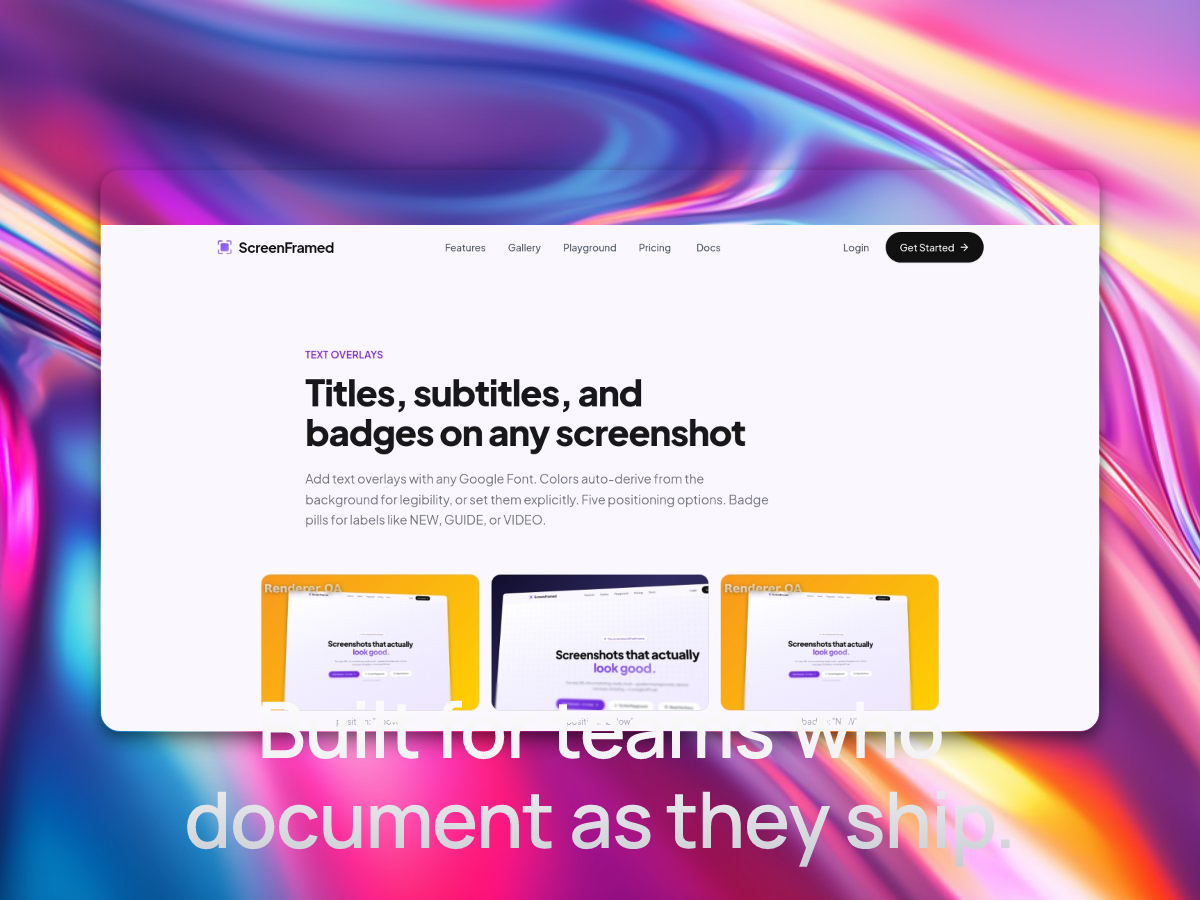
Structured title fields
Use title, subtitle, and badge for common compositions:
json{ "url": "https://example.com", "background_preset": "midnight", "title": "Launch week", "subtitle": "Everything new in one dashboard", "badge": "NEW", "title_position": "above"}
title_position supports above, below, bottom-left, top-left, and overlay-bottom.
Free-form text box
Use free-form text when you need exact placement and typography control:
json{ "url": "https://example.com", "text_enabled": true, "text_content": "Plan your week in one view", "text_x": 0.08, "text_y": 0.08, "text_size": 64, "text_weight": 800, "text_max_width": 0.8}
Styling text
| Field | Description |
|---|---|
text_color | Solid color text fill. |
text_gradient | CSS gradient text fill. |
text_shadow | Full CSS text-shadow value. |
text_font | Font family. |
text_align | left, center, or right. |
text_line_height | Line height multiplier. |
Autofit
Use autofit for dynamic titles, CMS content, localized app store screenshots, and generated copy:
json{ "url": "https://example.com", "text_enabled": true, "text_content": "A much longer headline that still needs to fit", "text_size": 96, "text_autofit": true, "text_fit_min": 24, "text_box_h": 0.28, "text_max_width": 0.82, "text_vertical_align": "middle"}
AI-generated copy
Set ai_copy: true to let ScreenFramed generate a title, subtitle, or badge from the captured page:
json{ "url": "https://example.com", "ai_copy": true, "ai_style": true}
For production templates, keep text_autofit enabled if the text comes from user content, CMS content, or AI copy.