

AI Styling
Let ScreenFramed analyze the page and choose complementary styling, or generate screenshot copy from the captured content.
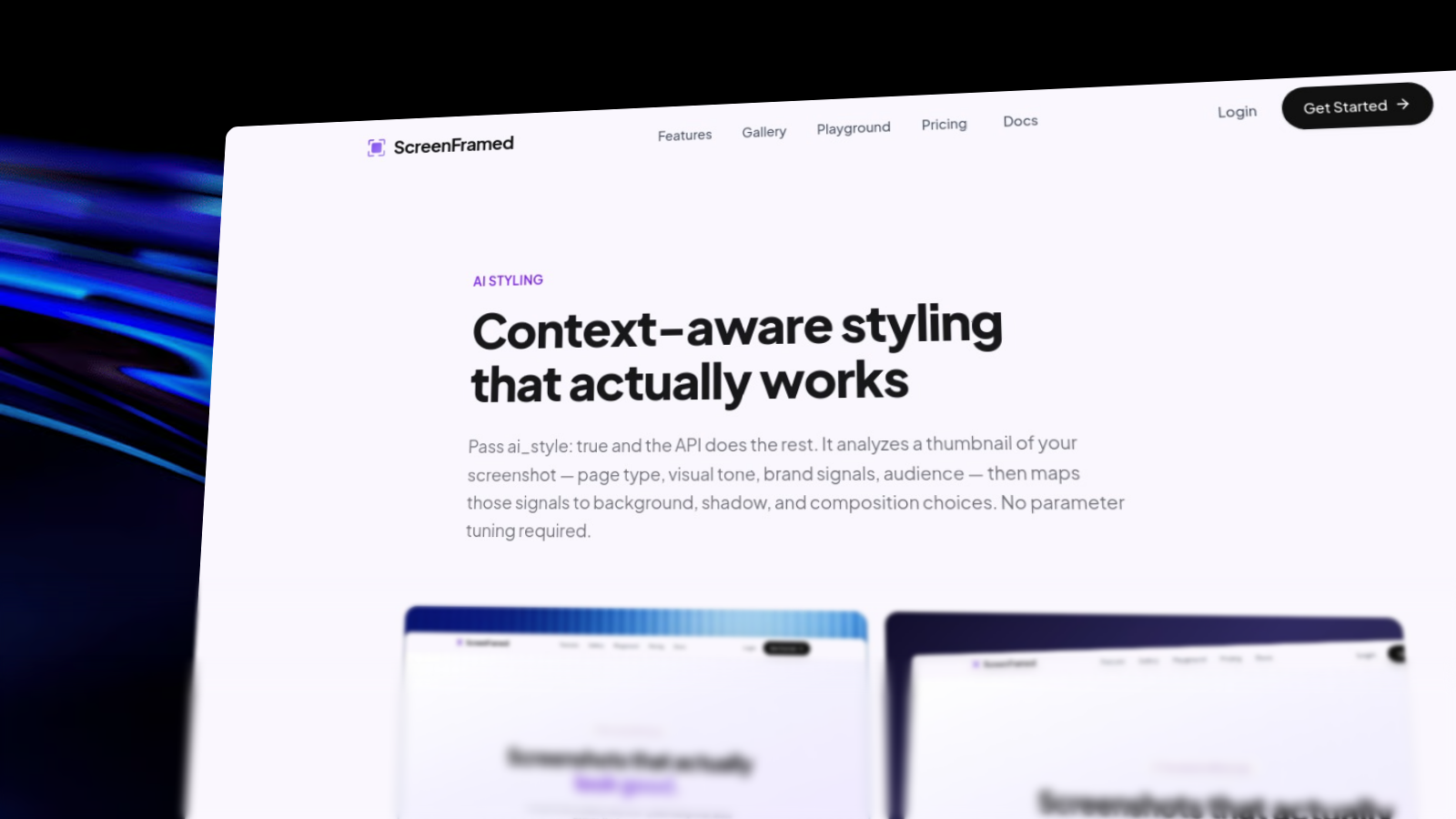
AI styling is for turning a plain page capture into a polished composition with less parameter tuning.
AI controls
| Field | Behavior |
|---|---|
ai | Enables the bundled AI styling and copy path. |
ai_style | Analyzes page type, tone, and brand colors, then chooses visual styling. |
ai_copy | Generates title, subtitle, and badge-style copy where useful. |
auto_balance | Lets ScreenFramed pick helpful defaults when explicit style is omitted. |
json{ "url": "https://example.com", "ai_style": true, "ai_copy": true, "aspect_ratio": "16:9"}
Response data
When AI decisions are available, the response can include ai_decisions:
json{ "ai_decisions": { "page_type": "product_landing", "visual_tone": "premium", "generated_title": "Launch faster", "generated_subtitle": "A focused product workflow for modern teams", "brand_colors": ["#7C3AED", "#A78BFA"] }}
When to use AI
Do
Use AI for exploration
Let AI propose a direction, then copy the resolved params into stable templates.
Avoid
Depend on AI for exact repeatability
For CI, customer-facing templates, or strict brand systems, pin explicit params.
Pair with explicit constraints
AI can still respect explicit output requirements:
json{ "url": "https://example.com", "ai_style": true, "output": { "format": "webp", "width": 1200, "height": 630 }, "aspect_ratio": "16:9"}
AI requests are less deterministic than explicit parameter requests. Use them to generate direction, not as your only source of truth for long-lived visual systems.