

Documentation Screenshots
Keep docs screenshots current by rendering stable product states from scripts or CI.
Documentation screenshots go stale when the UI changes. ScreenFramed works best when screenshots are treated like build artifacts: generated from the live product, named predictably, and refreshed by a script.
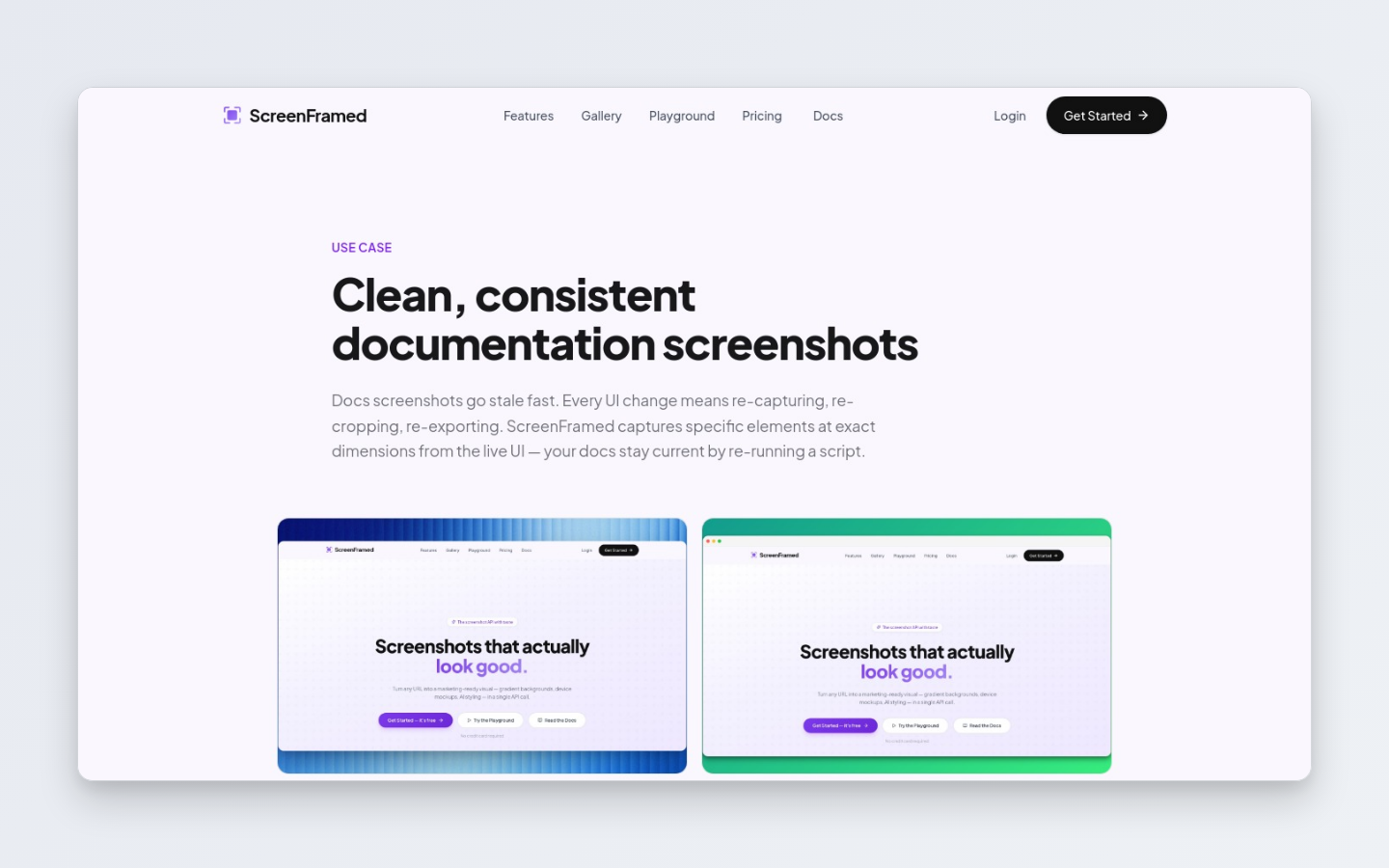
Recommended setup
1
Add capture hooks
Put stable attributes on important UI regions.
tsx<section data-capture="billing-plan-table"> ...</section>
2
Create an auth profile if needed
Use screenframed auth login for private dashboards.
3
Script the captures
Keep a small manifest of URLs, selectors, and output filenames.
4
Run before publishing docs
Refresh the assets locally or in CI whenever product UI changes.
Capture a docs image
json{ "url": "https://app.example.com/settings/billing", "selector": "[data-capture='billing-plan-table']", "auth_profile_id": "ap_01K...", "background_style": "none", "padding": 0, "corner_radius": 8, "aspect_ratio": "16:9", "hide_selectors": [".intercom-lightweight-app", ".cookie-banner"]}
Manifest pattern
json[ { "name": "billing-plans", "url": "https://app.example.com/settings/billing", "selector": "[data-capture='billing-plan-table']" }, { "name": "api-key-create", "url": "https://app.example.com/settings/api-keys", "selector": "[data-capture='new-api-key-dialog']" }]
Good defaults for docs
| Field | Recommended |
|---|---|
selector | Use whenever possible. |
background_style | none or transparent. |
aspect_ratio | 16:9 for inline docs; auto for exact component crops. |
hide_selectors | Hide support chat, cookie banners, onboarding hints, and debug UI. |
output.format | png for crisp UI. |
The best docs screenshots are boring in the right way: stable, readable, and consistent. Save the dramatic camera presets for launch and marketing assets.