

Backgrounds
Use named gradients, hosted image backgrounds, custom colors, CSS gradients, no background, or transparent output.
Backgrounds define the canvas behind the captured page or device frame. They are usually the fastest way to make a screenshot feel intentional.
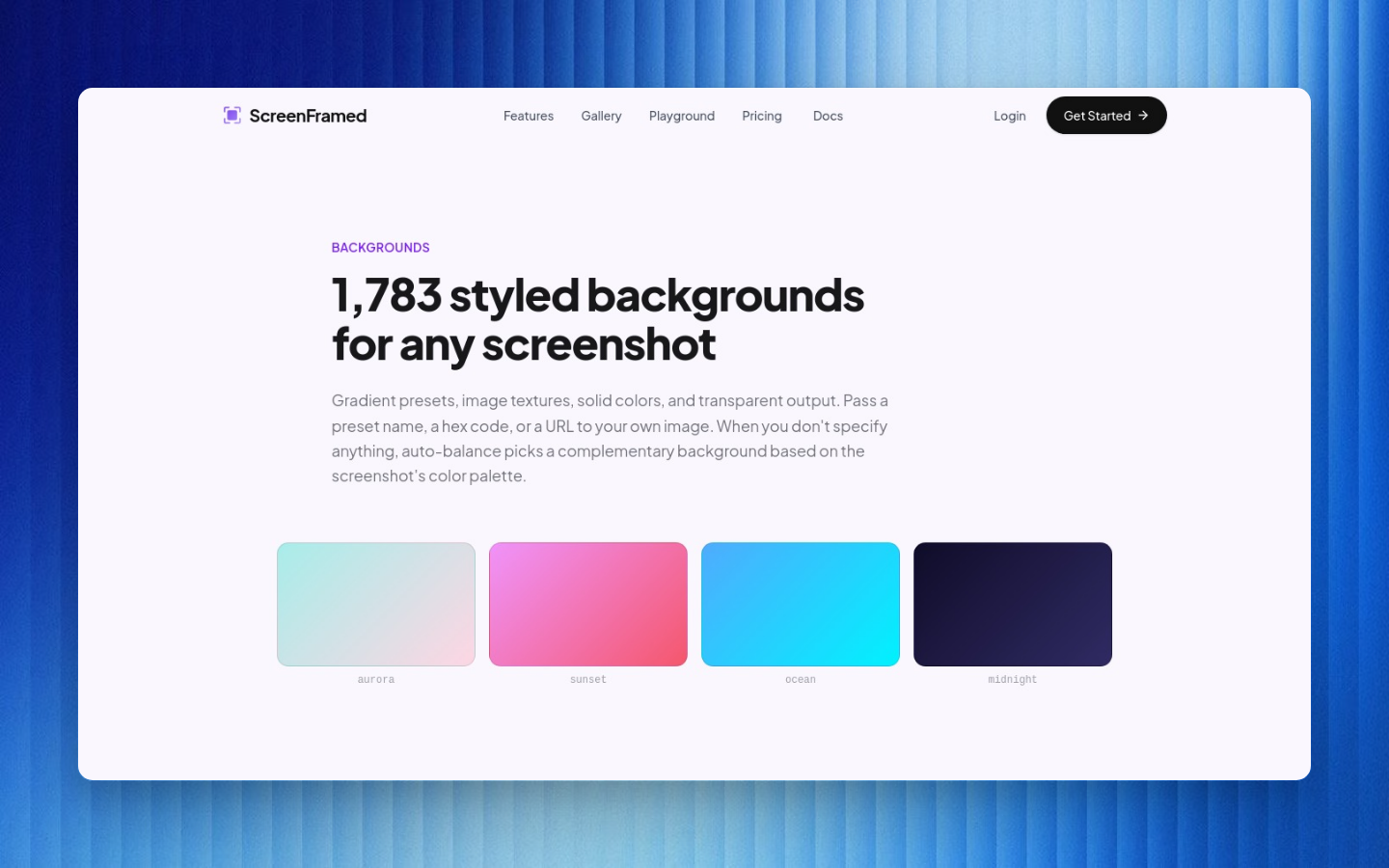
Named gradient presets
json{ "url": "https://example.com", "background_preset": "aurora"}
Available presets:
| Preset | Typical use |
|---|---|
aurora | Launch visuals, social posts, playful product shots. |
sunset | Warm editorial images. |
ocean | Calm SaaS and docs visuals. |
midnight | Dark product hero images. |
arctic | Clean light screenshots and directories. |
dusk | Rich purple/blue gradients. |
forest | Green product-led compositions. |
ember | High-contrast release assets. |
custom | Pair with custom gradient or color controls. |
Hosted image backgrounds
Use background for hosted ScreenFramed backgrounds. The API expands the reference to a render-sized image variant for faster composition:
json{ "url": "https://example.com", "background": "fractal-glass-gradients/fractal-glass-34", "shadow": "float", "padding": 80}
Browse available assets with the Backgrounds API or the gallery.
Custom image URL
For your own image, pass a public URL:
json{ "url": "https://example.com", "background_image_url": "https://assets.example.com/backgrounds/launch.webp", "shadow": "float", "padding": 80}
background_image_url overrides background when both are provided. Use a public image URL with stable caching. Large custom background images can increase render time.
Solid color
json{ "url": "https://example.com", "background_style": "solid", "background_color": "#F6F3FF"}
Custom gradient
json{ "url": "https://example.com", "background_style": "gradient", "background_gradient": "radial-gradient(120% 120% at 50% 0%, #ffffff 0%, #ede9fe 45%, #7c3aed 100%)"}
No background vs transparent
| Style | Result |
|---|---|
background_style: "none" | No decorative background; the canvas uses the basic composition treatment. |
background_style: "transparent" | Alpha channel is preserved in PNG or WebP output. |
Transparent output:
json{ "url": "https://example.com", "selector": ".product-card", "background_style": "transparent", "output": { "format": "png" }}
Transparent renders cannot use background, background_preset, or background_image_url, and JPG cannot preserve transparency.