

Presets
Use camera presets and reusable visual setups to move quickly without hand-tuning every capture parameter.
Presets are complete visual starting points. They set sensible defaults for camera, background, shadow, border, aspect ratio, and composition mode while still letting you override any individual field.
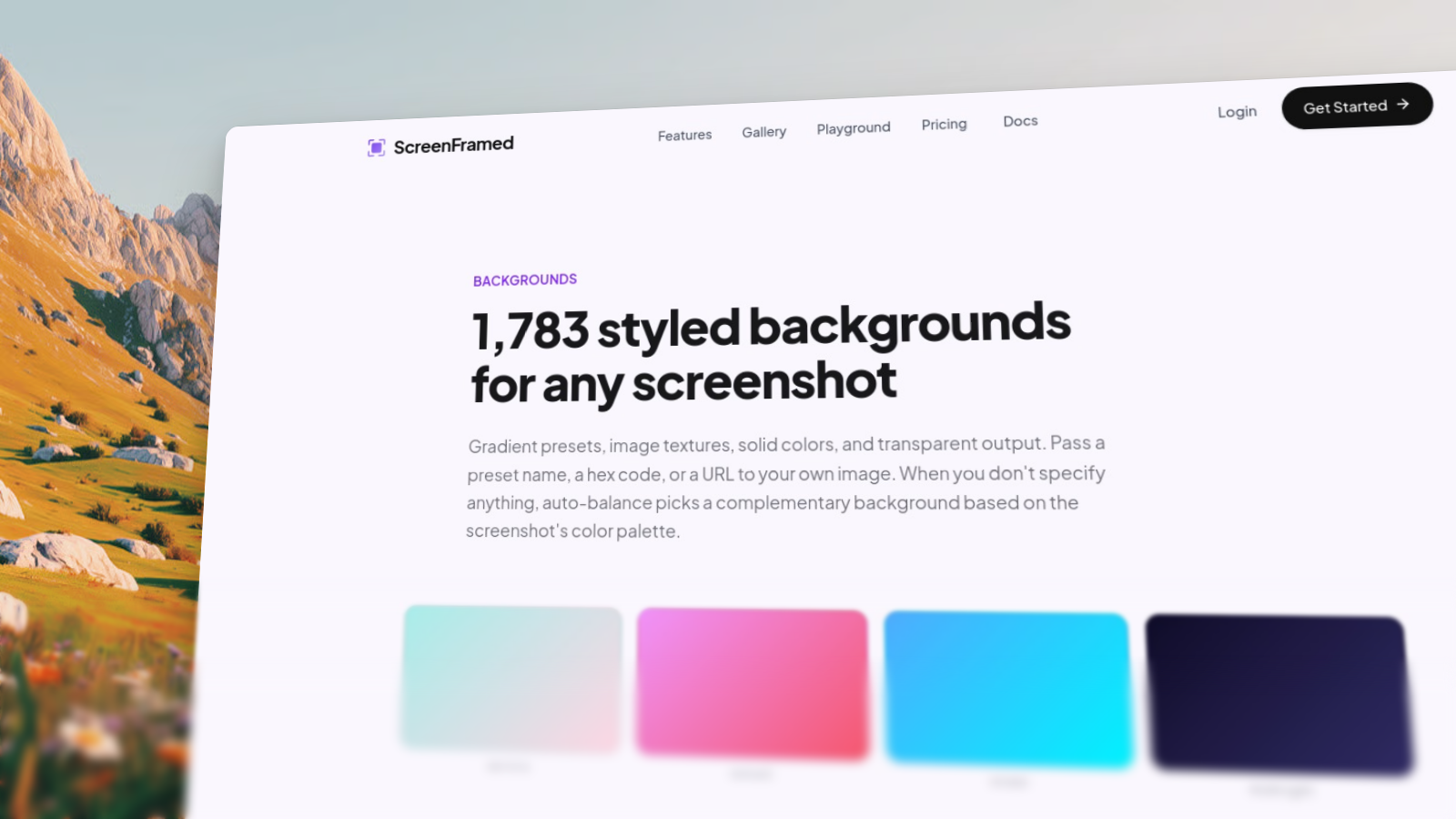
Camera presets
| Preset | Best for | What it changes |
|---|---|---|
hero | Launch pages and product hero sections | Angled composition, dark gradient, soft shadow, 16:9 canvas |
dashboard | Product dashboards | Subtle 3D angle with room for the UI to read clearly |
flat | Docs and product walkthroughs | Straight-on polished screenshot |
cinematic | Editorial launches and feature announcements | Strong angle, close crop, depth blur |
detail | Close-up feature crops | Zoomed framing with a focused crop |
json{ "url": "https://example.com", "camera_preset": "hero"}
Override only what matters
Preset values are defaults. Your explicit fields win:
json{ "url": "https://example.com", "camera_preset": "hero", "background": "fractal-glass-gradients/fractal-glass-34", "shadow": "glow", "aspect_ratio": "1:1"}
Preset selection
Reusable project presets
The dashboard preset builder lets you save reusable capture recipes for a project. Export the JSON and reuse it in API calls, scripts, or CI.
json{ "url": "https://example.com", "project_id": "prj_01K...", "camera_preset": "dashboard", "background": "fractal-glass-gradients/fractal-glass-34", "shadow": "float"}