

OG Images
Generate Open Graph images from live URLs with repeatable layout, backgrounds, and text overlays.
ScreenFramed can generate link-preview images for blog posts, changelog entries, docs pages, and landing pages.
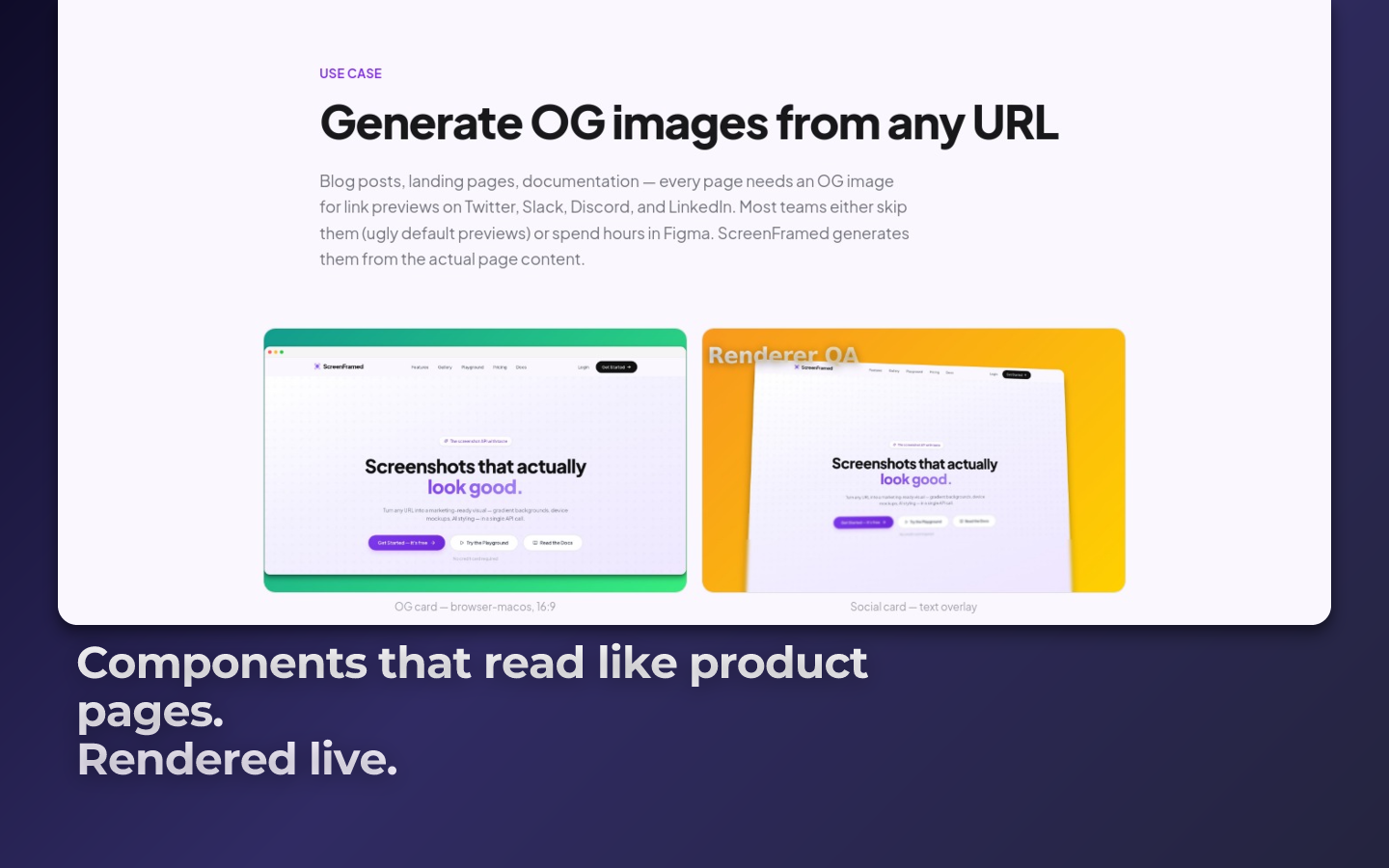
Basic OG image
json{ "url": "https://example.com/blog/new-feature", "aspect_ratio": "16:9", "background_preset": "midnight", "device": "browser-macos", "shadow": "soft", "output": { "width": 1200, "height": 630, "format": "png" }}
With text overlay
json{ "url": "https://example.com/blog/new-feature", "aspect_ratio": "16:9", "background_preset": "dusk", "text_enabled": true, "text_content": "How we rebuilt onboarding", "text_x": 0.06, "text_y": 0.68, "text_size": 64, "text_weight": 800, "text_max_width": 0.62, "text_gradient": "linear-gradient(180deg, #ffffff 0%, #ddd6fe 100%)", "output": { "width": 1200, "height": 630 }}
Template strategy
Use one payload shape per content type:
| Content type | Suggested treatment |
|---|---|
| Blog post | Text overlay plus a browser screenshot. |
| Changelog | Element capture of the changed UI plus a small badge. |
| Docs page | Clean browser frame with minimal background. |
| Product launch | Camera preset, bold background, and short copy. |
CMS integration
Store the returned url in your CMS metadata:
json{ "title": "How we rebuilt onboarding", "ogImage": "https://cdn.screenframed.com/r/cap_01K....png"}
Regenerate when the source URL or title changes.