

Recipes
Copy-paste ScreenFramed request recipes for common screenshot jobs.
Use these as starting points. Replace the url, then adjust the few fields that matter for your workflow.
Marketing hero
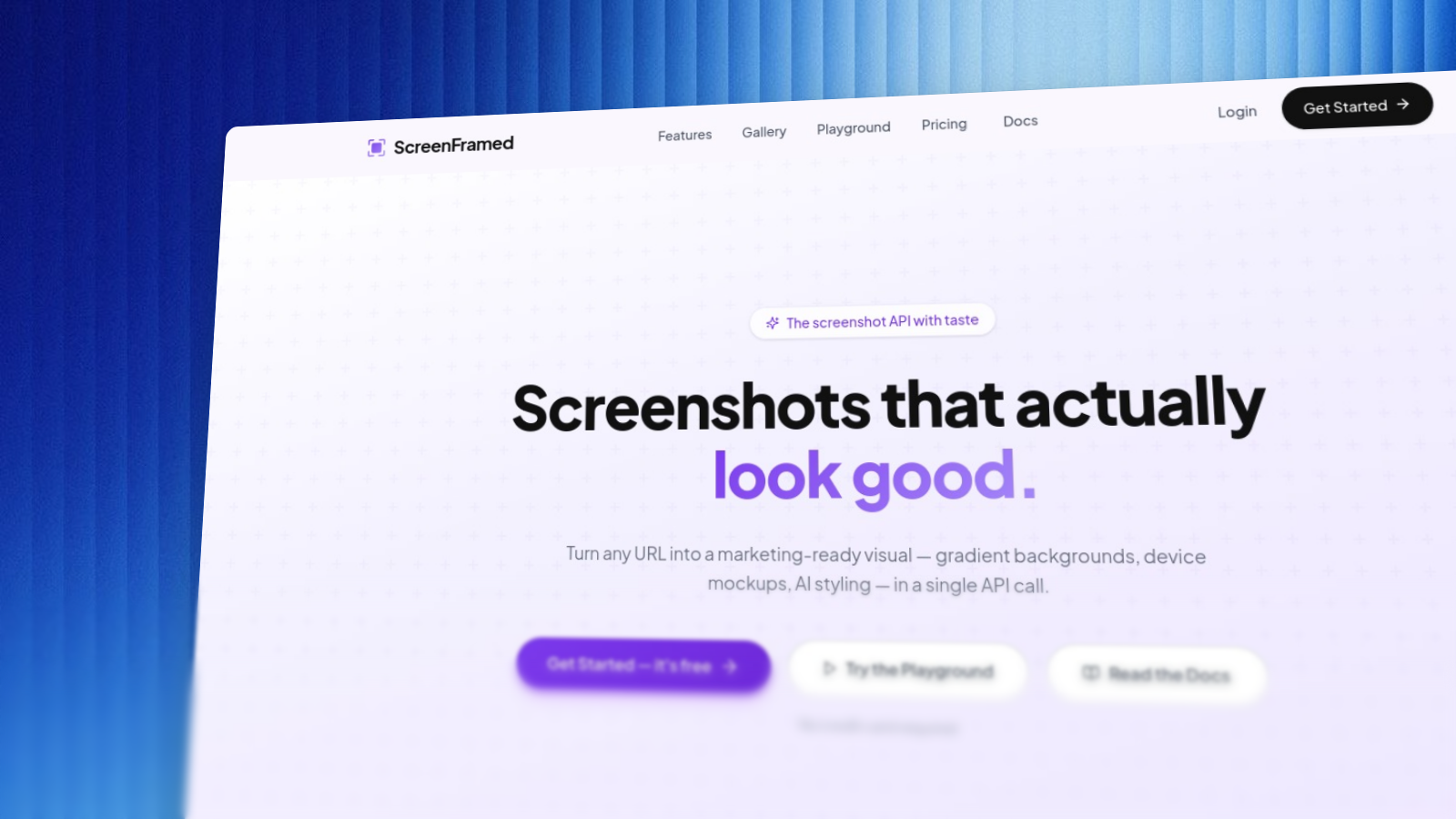
json{ "url": "https://example.com", "camera_preset": "hero", "background": "fractal-glass-gradients/fractal-glass-34", "shadow": "float", "aspect_ratio": "16:9"}
Clean documentation screenshot
json{ "url": "https://example.com/docs", "selector": "main", "background_style": "none", "padding": 0, "corner_radius": 8, "aspect_ratio": "16:9", "hide_selectors": [".cookie-banner", ".chat-widget"]}
Transparent UI component
json{ "url": "https://example.com/dashboard", "selector": "[data-capture='usage-card']", "background_style": "transparent", "inset": 24, "output": { "format": "png" }}
App store phone frame
json{ "url": "https://example.com/mobile-preview", "device": "iphone-16-pro", "device_color": "natural-titanium", "background_preset": "aurora", "aspect_ratio": "9:16", "padding": 96, "text_enabled": true, "text_content": "Plan your week in one view", "text_x": 0.08, "text_y": 0.08, "text_size": 64, "text_weight": 800, "text_autofit": true, "text_max_width": 0.8}
Directory thumbnail
json{ "url": "https://example.com", "device": "browser-macos", "background_preset": "arctic", "shadow": "soft", "aspect_ratio": "4:3", "output": { "width": 1200, "height": 900, "format": "webp" }}
AI-styled product image
json{ "url": "https://example.com", "ai_style": true, "ai_copy": true, "aspect_ratio": "16:9", "output": { "format": "webp", "width": 1600, "height": 900 }}
Natural-language prompt exploration
json{ "url": "https://example.com", "prompt": "Create a premium browser hero screenshot with a dark glass background and soft depth", "show_resolved_params": true}
Copy the returned resolved_params, remove prompt, and use the explicit version in production.
Authenticated dashboard
json{ "url": "https://app.example.com/dashboard", "project_id": "prj_01K...", "auth_profile_id": "ap_01K...", "device": "browser-macos", "background_style": "none", "wait_for": "networkidle"}
Async batch item
json{ "url": "https://example.com/heavy-dashboard", "async": true, "webhook_url": "https://example.com/webhooks/screenframed", "device": "browser-macos", "background_preset": "midnight"}
Signed URL payload
json{ "url": "https://example.com/pricing", "project_id": "prj_01K...", "device": "browser-macos", "background_preset": "dusk", "shadow": "float", "aspect_ratio": "16:9"}
Use this payload as the query parameters for the signed URL flow documented in Signed URLs.