

Introduction
ScreenFramed turns live URLs into polished product screenshots for docs, launch pages, social assets, stores, directories, and automation.
ScreenFramed is a design-first screenshot API and CLI. Give it a URL, then choose how the final image should look: device frame, background, aspect ratio, camera angle, element crop, text overlay, output format, and delivery mode.
The important difference is that ScreenFramed does not stop at a raw browser capture. It returns an image that is already useful in a docs page, changelog, help center, app store listing, directory card, launch page, or social post.
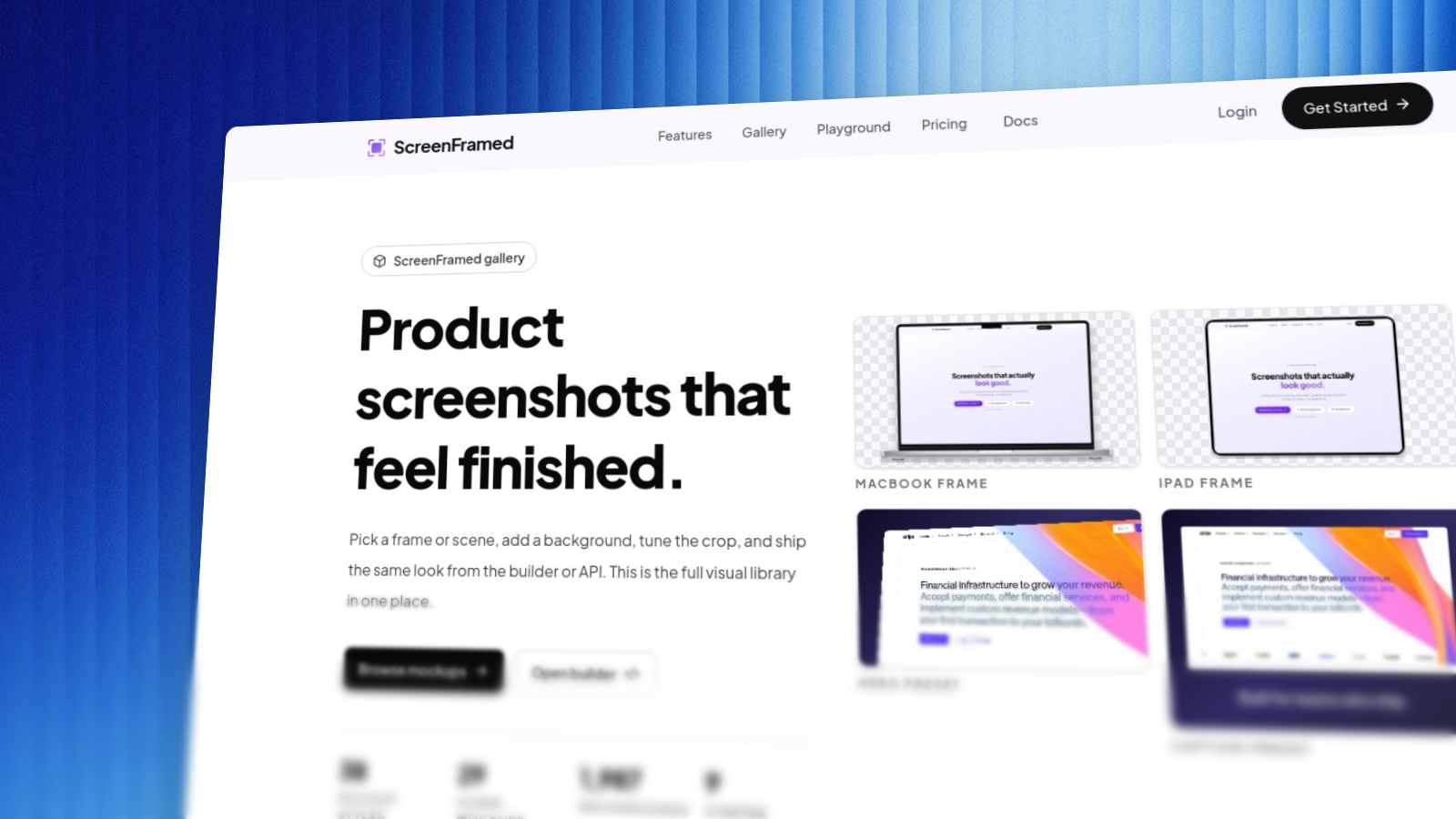
What you can build
How ScreenFramed fits
You can use ScreenFramed from:
- The visual playground for one-off images and request prototyping.
- The CLI for local workflows, docs refreshes, watch mode, and batch jobs.
- The REST API for product integrations and automated generation.
- The HolyDocs
<Screenshot>component when you want live URL captures directly inside MDX.
These docs focus on request shapes, workflows, outputs, and operational behavior. Internal rendering details can change as long as the public API contract stays stable.
Core concepts
| Concept | What it controls |
|---|---|
url | The page ScreenFramed captures. Required for every capture request. |
viewport / capture_dpr | How the browser sees the page before composition. |
device | Optional frame and viewport preset, such as browser-macos, iphone-16-pro, ipad-pro-m4, or macbook-pro-16. |
background_* | Named gradients, solid colors, CSS gradients, hosted image backgrounds, custom images, none, or transparent output. |
aspect_ratio / frame_ratio | The final canvas shape and the shape of the screenshot inside it. |
selector / element | Capture a specific element instead of a full page. |
camera_preset | A complete visual setup for hero, dashboard, flat, cinematic, or detail shots. |
output | Final format, width, height, quality, and DPR. |
async | Queue longer renders and poll a job instead of waiting on the request. |