

App Store Screenshots
Generate consistent phone and tablet screenshots for app store listings and launch pages.
App store screenshots need consistent device framing, readable copy, and exact dimensions. ScreenFramed handles the capture and composition; your script controls the sequence.
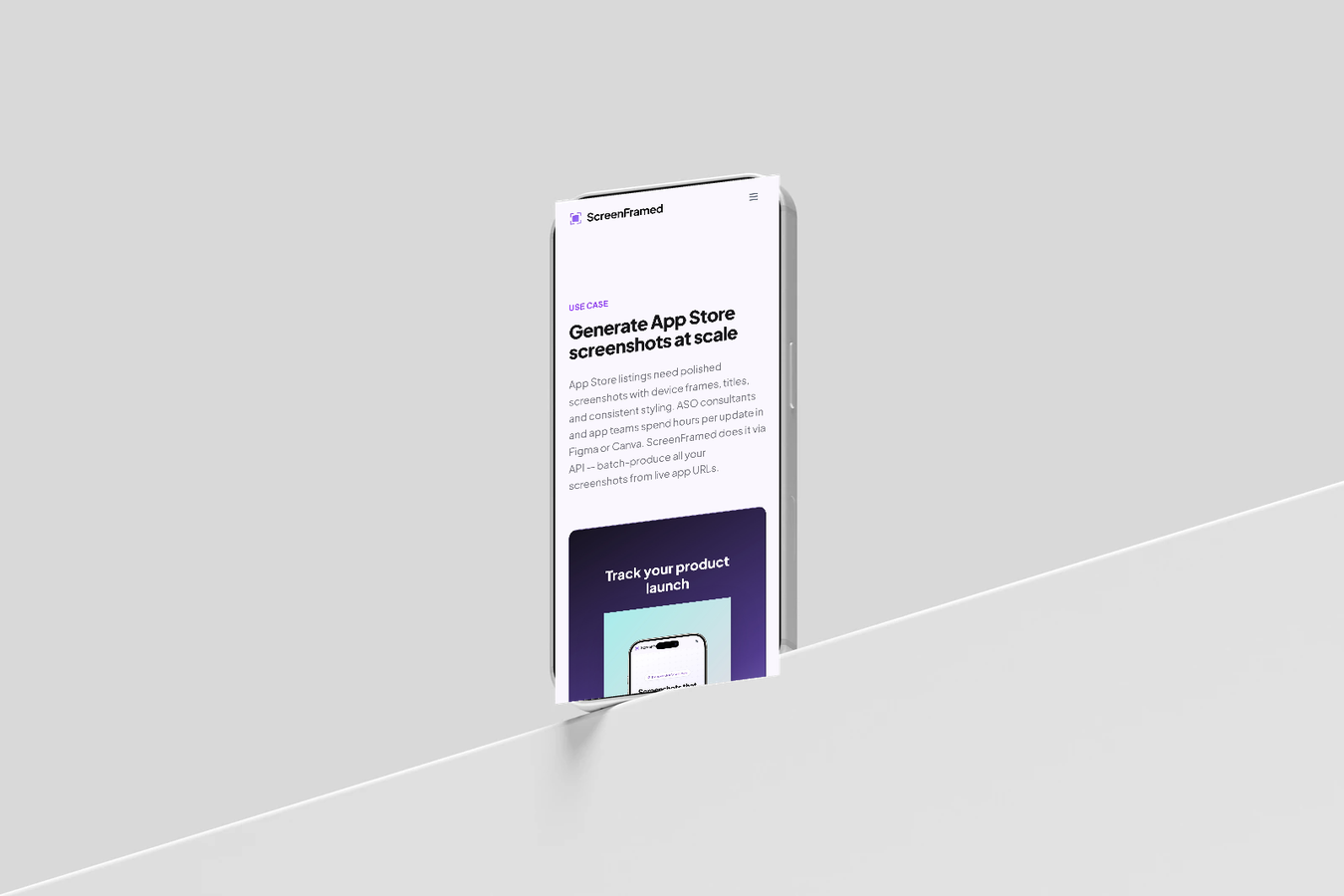
iPhone portrait
json{ "url": "https://example.com/mobile/onboarding", "device": "iphone-16-pro", "device_color": "black-titanium", "background_preset": "aurora", "aspect_ratio": "9:16", "padding": 96, "text_enabled": true, "text_content": "Plan your week faster", "text_x": 0.08, "text_y": 0.07, "text_size": 58, "text_weight": 800, "text_autofit": true, "text_box_h": 0.18, "output": { "format": "png", "width": 1290, "height": 2796 }}
iPad landscape
json{ "url": "https://example.com/tablet/dashboard", "device": "ipad-pro-m4", "device_color": "silver", "background_preset": "arctic", "aspect_ratio": "4:3", "padding": 72, "shadow": "soft", "output": { "format": "png" }}
Sequence planning
Store screenshot set
One promise per image
Each screenshot should communicate one reason to install or upgrade.
Stable viewport states
Seed test accounts with repeatable data before capture.
Autofit copy
Enable text_autofit if localized copy or campaign copy varies in length.
Exact dimensions
Set output.width and output.height to the store asset size you need.
All steps complete